
How to write a text-to-3D prompt for a game prop
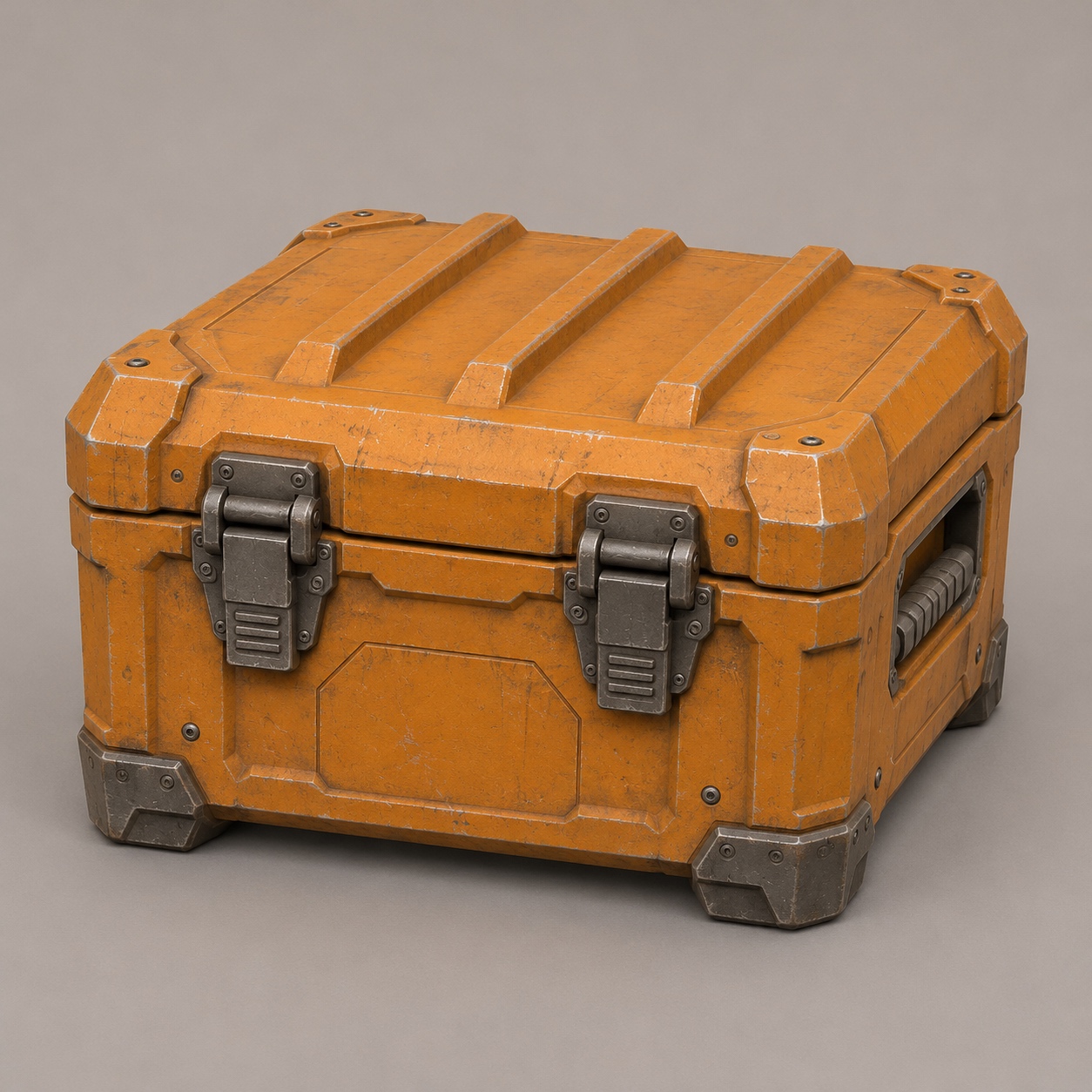 Input image
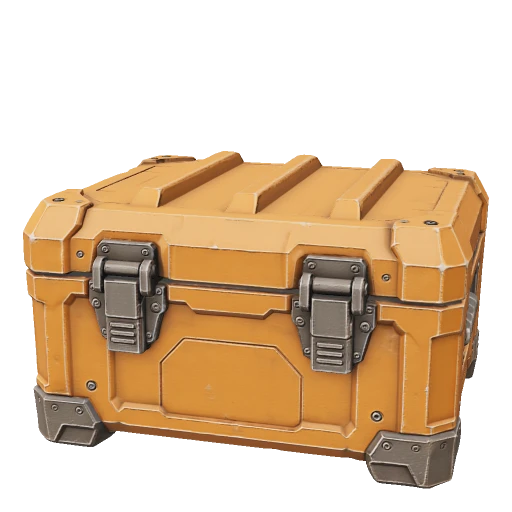 3D model
Suppose a level designer needs a supply crate to sit beside a doorway. At gameplay distance the player will see its size, outline and color long before they see a scratch in the paint. Write the prompt in that order.
Specify one object and its construction
Start with the proportions, then place a few large features on named faces. “A low rectangular case with two latches on the front” gives you details you can check in the result. “An epic futuristic storage system” leaves the number of objects, their proportions and their construction open.
Try this prompt
A single closed equipment crate, wider than it is tall. Chamfered corners and three raised ribs across the lid. Two dark metal latches on the front and a recessed carrying grip on each short side. Ochre painted metal with worn silver edges and graphite feet.
Paste the description into Text to 3D. The crate pictured here is an image-generated reference case from our gallery. The quoted prompt is a separate exercise you can run and compare against it.
Change one visible feature per attempt
Check the profile first. If the lid and base read as a cube, make the next prompt more explicit about the width. If the shape works but the materials blend together, keep the shape description and change the material sentence. Save the prompt and GLB for each attempt so you can compare the same view side by side.