
When to add a second view of an object
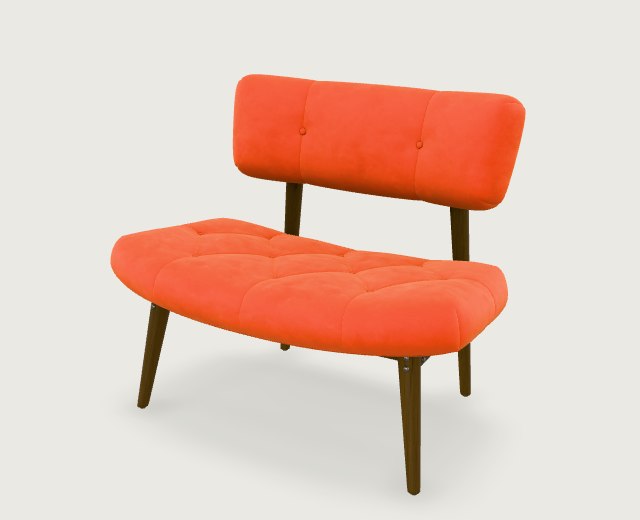
A straight-on photograph of a chair tells you how wide the seat is and where its front legs land. It tells you much less about how far the cushion extends toward the back. The first decision is whether that hidden dimension matters to your project.
Choose one image when the outline tells the story
For a first concept model, walk around the object until you can see its front and one side. On the chair above, the slanted seat edge gives a depth cue and the backrest stays separate from the cushion. Include the feet and check the outline at thumbnail size. Use the three-view framing guide to compare that angle with a close crop.
Add another view when it resolves a specific detail
If the side profile of the backrest matters, take one front photo and one left-side photo. Keep the chair in the same position and the camera at roughly the same height. A second front photo taken a few centimeters away gives the generator much less new information. For a folding chair, make sure the hinge is at the same angle in every frame.
Put the photos in their matching slots
Open Multi-view to 3D, supply the front view and add the left, back or right views you have. After generation, rotate to the side you cared about and compare the backrest angle with your photo. For a dimension-critical project, measure the original object separately.