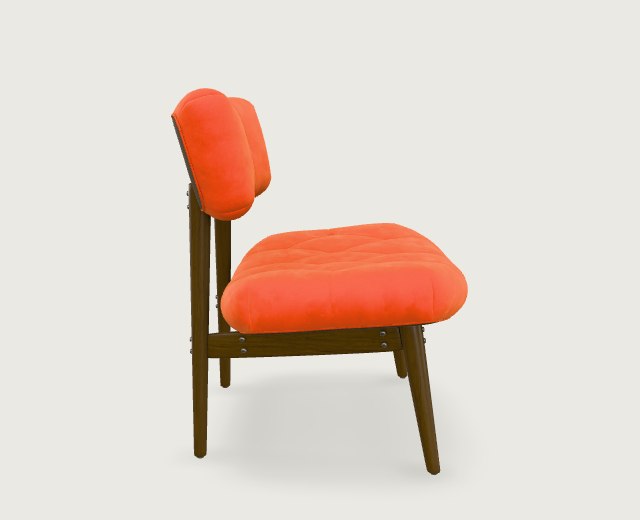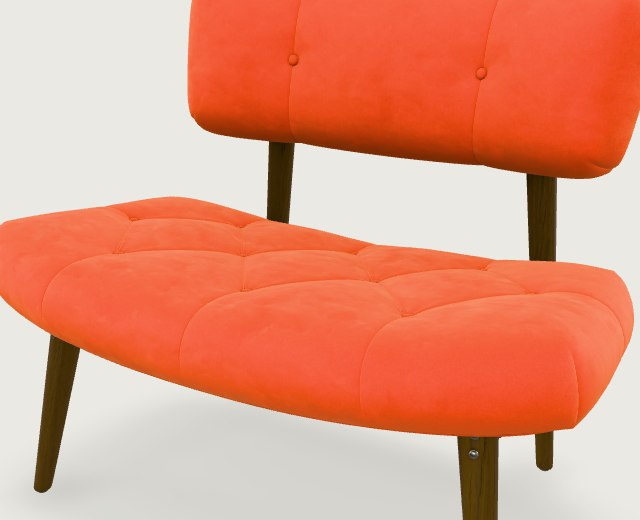
Too close to see the shape
The cushion buttons are sharp, but the frame cuts through a leg. Step back until you can see the feet and leave a little space around the chair.

Choose one photo that shows the whole object and gives a sense of its depth. For a chair, look for the seat, the angle of the backrest, and where the legs meet the floor.
The cushion buttons are sharp, but the frame cuts through a leg. Step back until you can see the feet and leave a little space around the chair.
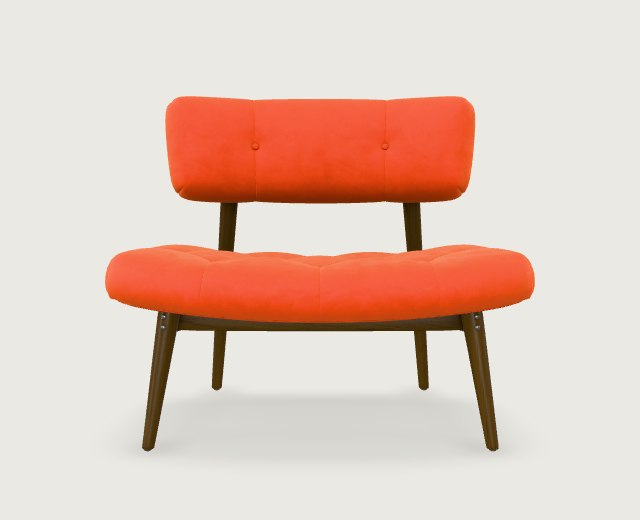
You can count the legs and see how wide the backrest is. The seat depth is harder to judge. Keep this shot if you plan to add a left view.
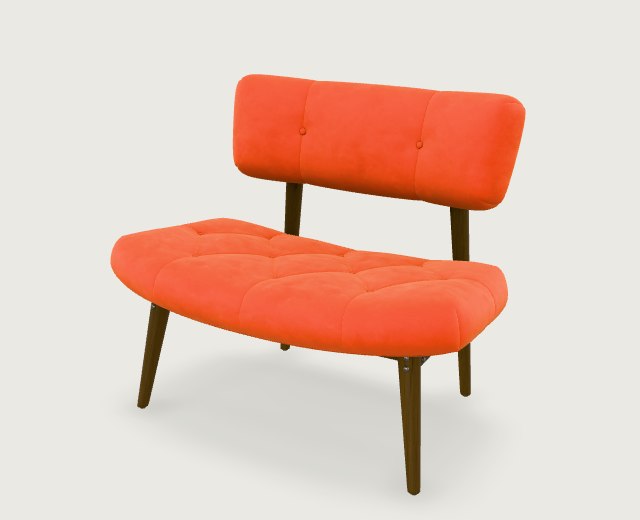
For one upload, pick this view. You can trace the front and side edges of the seat and see its thickness. The underside and back will still need checking in the model.
Reference views rendered from the CC0 Sheen Chair model by Eric Chadwick / Wayfair, LLC. Original model and license
If the side profile matters, take a front photo and a left photo of the same object. Keep the lens height, distance, lighting, and object configuration consistent. For a folding chair, keep it unfolded in every shot.
Try the chair with these two reference files: front view (JPG) and left view (JPG).
EasyTo3D’s multi-view mode takes front and left views, with optional back and right views. Prepare multi-view inputs
Zoom out to thumbnail size. Can you distinguish each part from the background? Move distracting objects out of the frame. Use even lighting so that dark legs remain visible and shiny edges keep their outline.
For a sketch, include the complete outline and draw the visible side faces to communicate depth. Save a JPG, PNG, or WebP up to 2.9 MB per image.
Upload your picture to review the input and credit cost. Generation requires credits and enabled access.
Choose an image ↗